


Drivers
Dispatch that alsohandles the paperwork.
Direct offers, airport queues, favorites, per-ride statements, and monthly reports — you manage taxes with clear data.






Two offer feeds
Rides reach you in two ways, depending on the mode the rider chose.
- Direct offer: a ride priced upfront, to accept within a few seconds.
- “Marketplace” feed: riders’ offers; you accept, propose another price, or pass.
- You choose your services, zones, and radius.
Driver side
- Direct offerAccept before the timer runs out
- MarketplaceAccept · Propose · Pass
- YUL queue · 3rdFirst-come order at airports and stations
How you get paid
- The amount shown on the offer is what you are paid.
- Qlyp keeps its commission and the taxes on that commission, and remits the levies (CTQ, airport).
- The GST/QST on the fare is yours, and you remit it yourself.
- Tips are 100% yours.
- Payouts go to your bank account through Stripe Connect.
- When the rider pays the driver, Qlyp fees build up in “My balance” and are settled by card.
- Statement per ride and monthly report.
Card payment
- RiderCard in the app
- StripePre-authorization, captured at the end
- QlypCommission + taxes; levies remitted (CTQ, airport)
- YouFare + GST/QST, tips 100%
- PayoutStripe Connect, your bank
Pay the driver
- Pay the driverCash or terminal
- YouFare + GST/QST
- My balanceQlyp fees to settle
- Settled by card
You remit your GST/QST · statement per ride and monthly report
Dispatch
- 15-second direct offers to relevant drivers, widening radius.
- Market mode when you want to pick from several rides.
- Airport and station queues; next ride before you finish the current one.
- Direction filter to head home.
Preferences
- Services, zones, and radius you accept.
- Preferred direction and navigation app of your choice.
- Vehicle for the day and options set in Qlyp Pilote.
Zones and taxes
- Per-ride statements; you manage taxes with T4A / Relevé 1.
- Provincial tax screen in Qlyp Pilote.
- Clear data for your filings, no surprises.

Earnings
- Daily Stripe payout.
- Tips at 100% for you.
- Monthly report to track your activity.
Ride fare
Options
Tolls
CTQ fee
Taxes
Total
Accepted price — locked
Statement filling in — earnings and tips
Documents
- Valid licence and up-to-date file.
- 11-point inspection per our requirements.
- Alerts before documents expire.

Behind the wheel
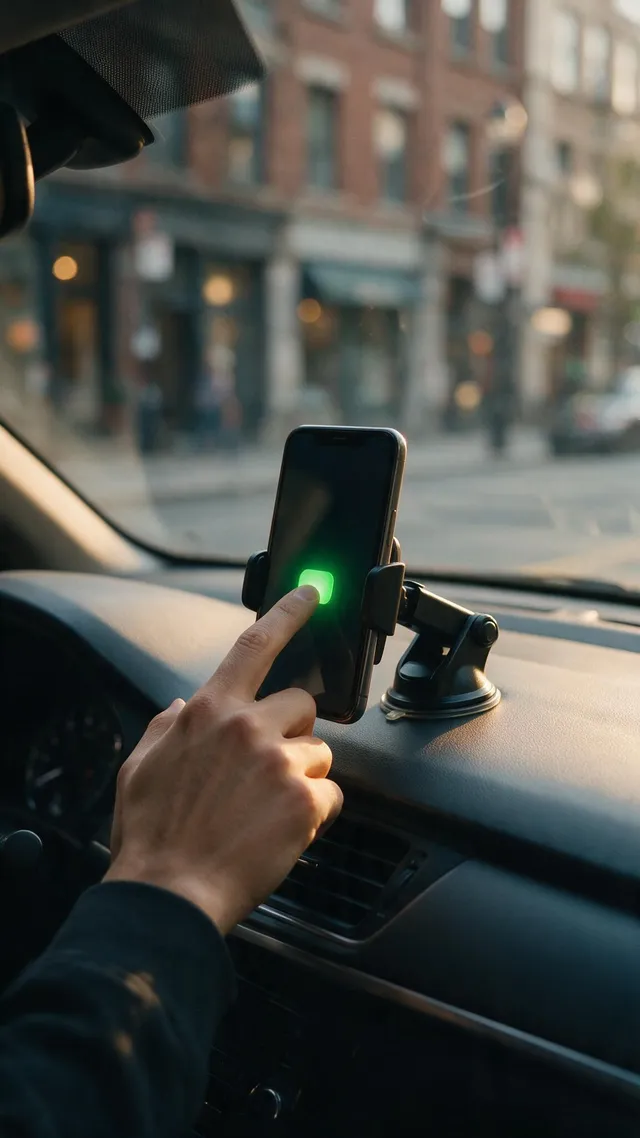
- Voice prompts and Android Auto.
- Qlyp Route: drivers keep 100% of cost sharing.
- An interface built for driving, not paperwork.

Download the app or book now
Book via WhatsApp, SMS, or phone

Destination: qlyp.ca/reserver